
Exporting Worlds
It’s possible to export your worlds as a JSON file. You can then use this file to import your data into another Neverkin environment, to transfer it to another account, or simply to keep as a backup.
You can find the Import / Export page in your profile settings:
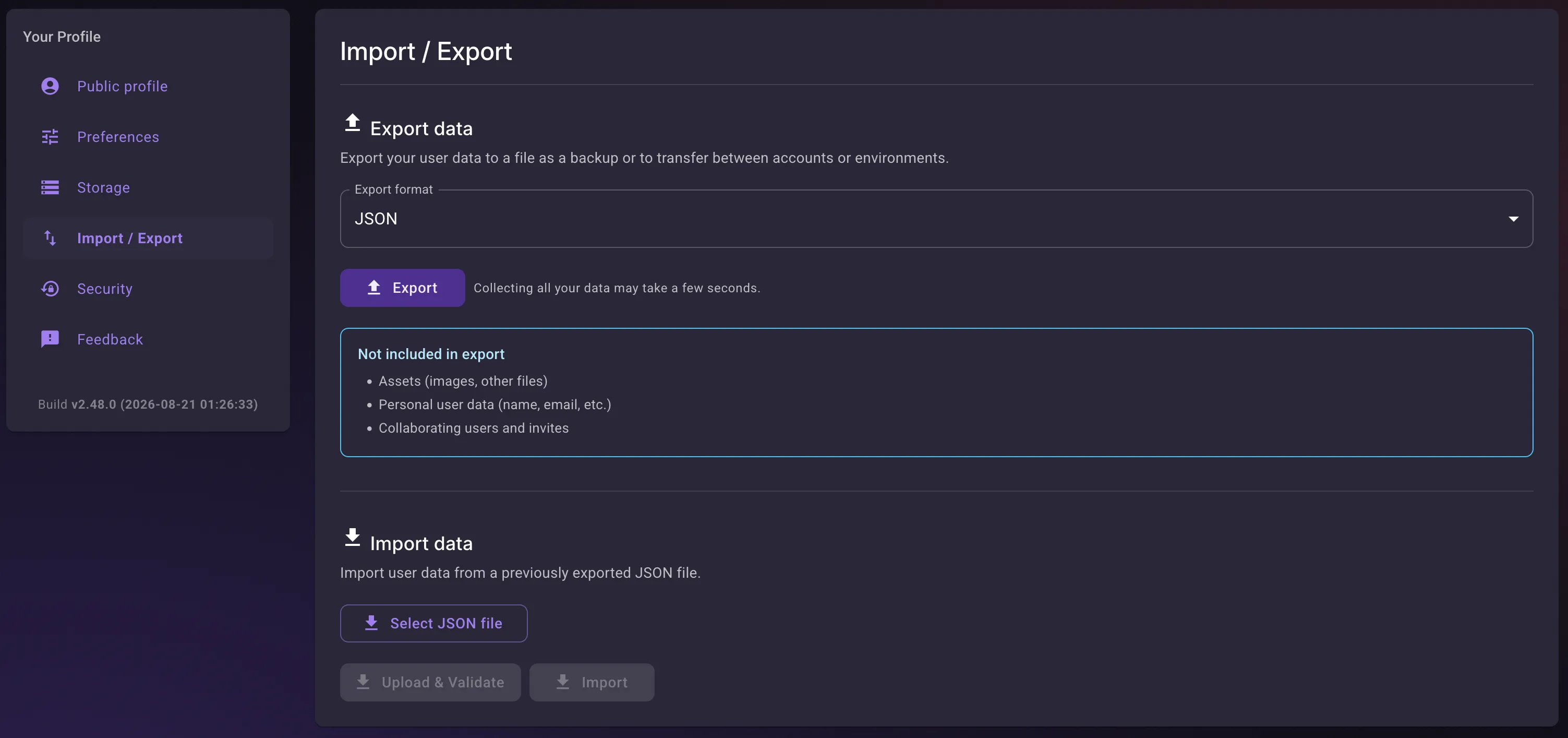
Pressing “Export” will create a single file with your world data, which you can then download. The file is kept available for 30 minutes before being deleted.
The export covers your worlds and calendars, but not your uploaded assets (images and other files), your personal account data, or your collaborator lists.