Mentions
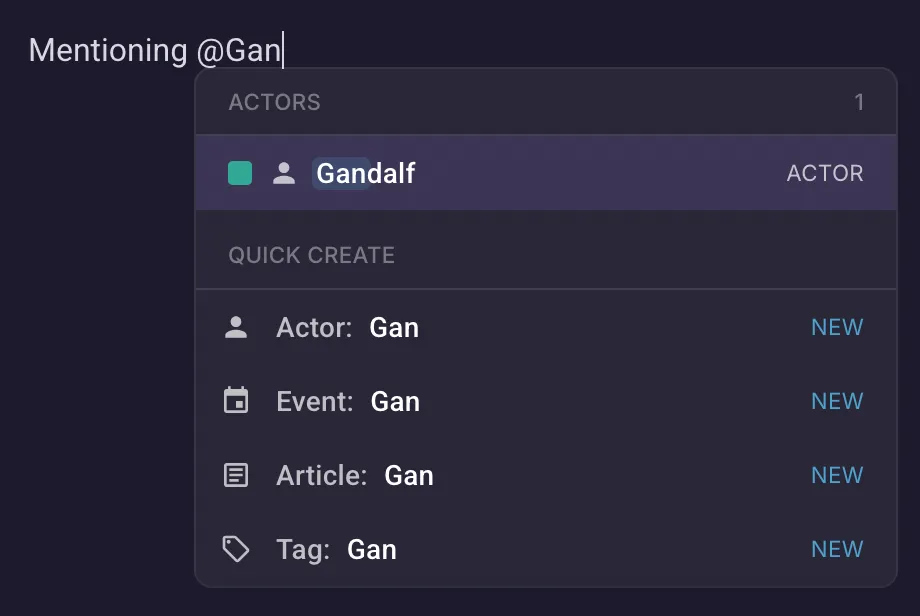
While editing an entity, you may want to mention something else. You can do so directly inline in your text by typing the @ symbol which opens the quick select menu. Start typing the name to search for the target entity, and confirm with a click or the Enter key.
Navigate up and down the list with your arrow keys. Click a mention to open and quickly edit the target.
Quick create
Section titled “Quick create”If the entity you want to mention doesn’t exist yet, you may select the entity type from the quick create menu. This both creates the entity with the name you typed and inserts a mention for it in your text.
Super useful to quickly create placeholders!
Backlinks
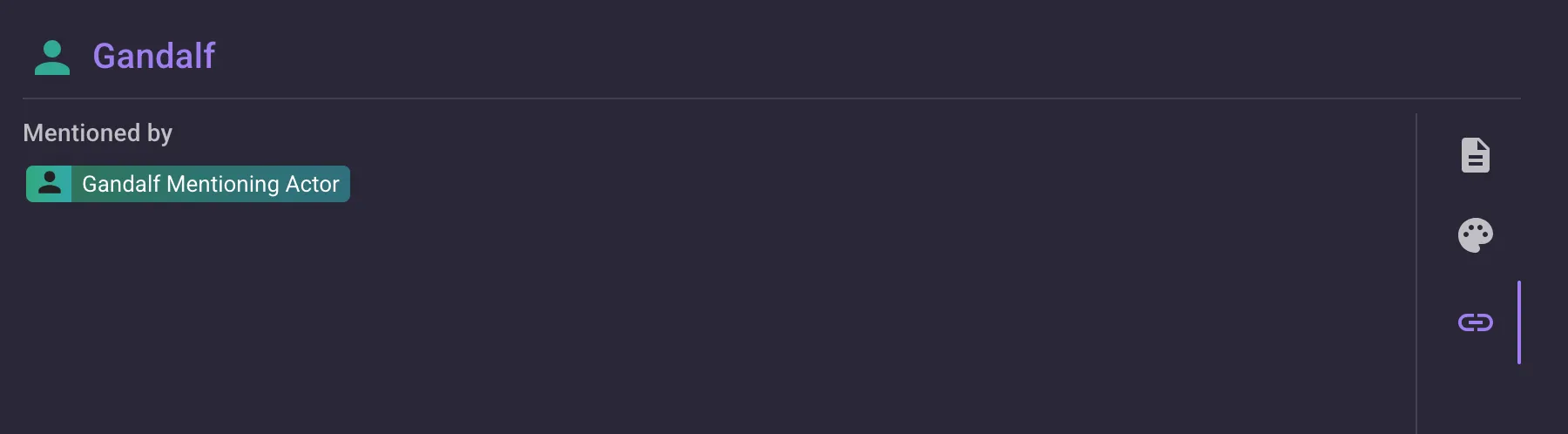
Section titled “Backlinks”On the right side of the rich text field, you can switch to the Backlinks tab. This tab shows you everyone who mentions this entity, allowing you to quickly see who is using it.