
World Mindmap
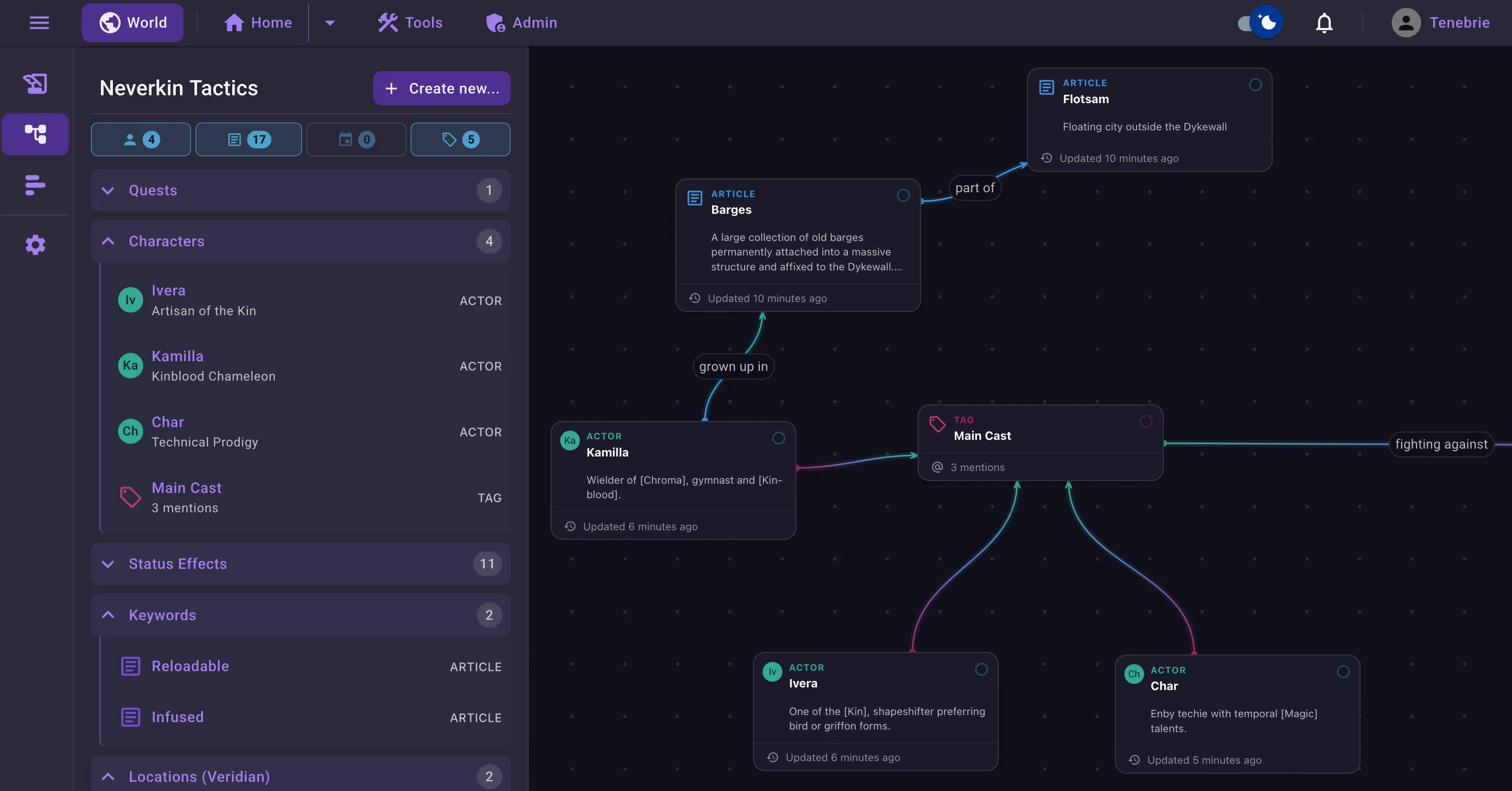
The Mindmap is a place for your visualizations. The sky is the limit. It could be a chart of character relationships, a family tree, the physical layout of rooms in a dungeon, or whatever else you want to use it for.
Working with the Mindmap
Section titled “Working with the Mindmap”While working with the mindmap, you are working with Nodes. A node is a container for another entity type, like an actor, and you create a node by dragging something from the outliner into the mindmap workspace.
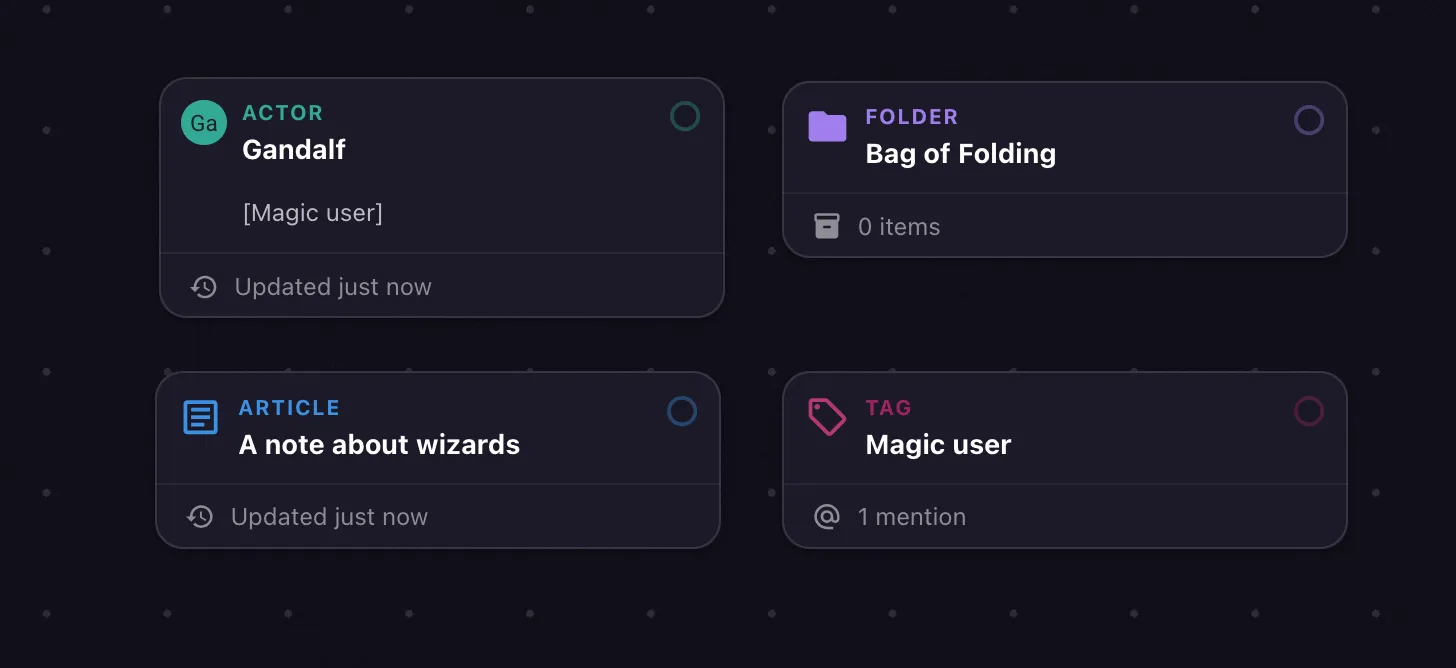
Alternatively, you can right click (or press Space) in the workspace to open a quick select menu. Search for your entity, or create one directly from this view.
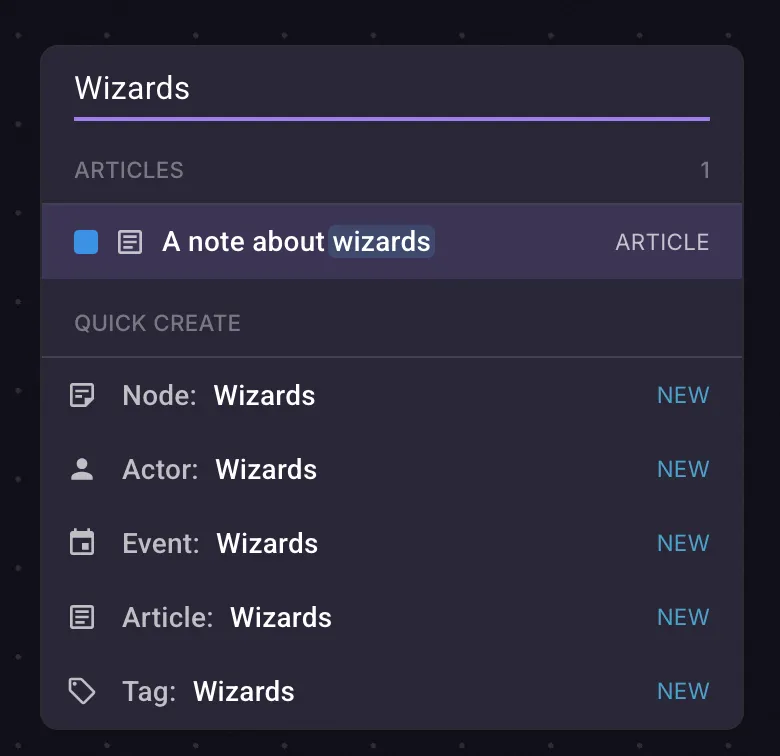
You may edit the entities by double clicking their node.
Node linking
Section titled “Node linking”Nodes can be linked together to show their relationship. To link a node, drag a wire from the slot in the top right corner of the node, or simply start dragging a node with the Shift key held down. Dropping the wire onto another node will link the two, or dropping it on empty space will open the quick select menu, allowing you to quickly create a node and link it immediately.
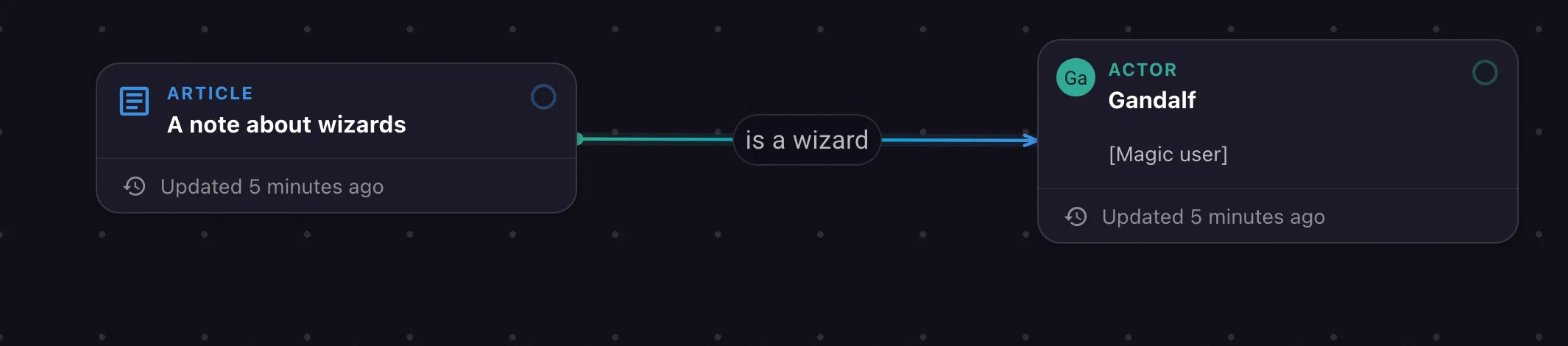
You can also double-click the wire to add a label to it, or flip the link direction.
Deleting nodes
Section titled “Deleting nodes”Right click the node and select “Delete node” to remove the node. This does not delete the underlying entity, only this specific node in the mindmap. (The “Delete parent” option right below it, however, does delete the entity itself.) You may also press the Delete key (Backspace on a Mac) to delete the node.
Plain nodes
Section titled “Plain nodes”You can also create plain nodes that don’t link to any other entity. Use them for prototyping, for jotting down quick ideas, or for explaining in detail why this character hates that particular establishment.
Plain nodes can have a full rich text description, but they don’t show up outside the mindmap.